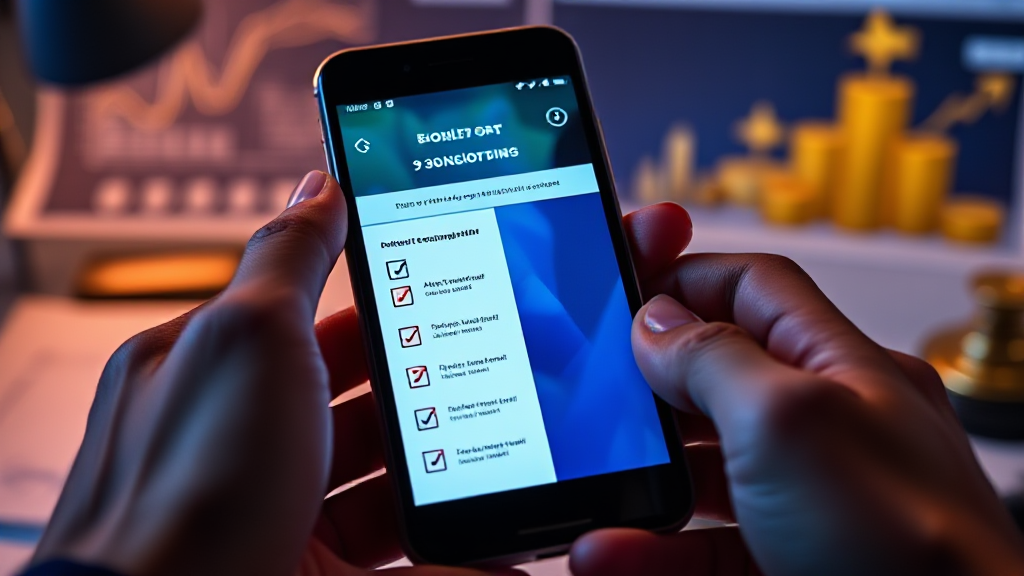
Before You Trust a 3Patti Online Listing, Check Your Phone
Start with the phone in your hand, not the page on your screen. A 3Patti online listing can look polished, rank well, and promise a smooth install, but those details are written for a general audience. Your mid-range Android phone has its own storage limit, its own Android version, and its own permission rules. Compatibility is decided by the device first and the listing second.
That is why All Teen Patti Online is best used as a starting point for comparison rather than a final answer. The directory can help you compare 3 Patti apps, check bonus details, review rankings, and find download options. It cannot see how much free space you have left, which Android version you are running, or whether an app is asking for permissions that do not match its purpose. Before you trust any listing, open your phone settings and confirm the basics yourself.
The Phone in Your Hand Sets the Real Requirements
Listings usually describe the app: its features, its size, its minimum Android version, and the kind of bonus or reward details the directory has collected. That information is useful, but it is not a personal compatibility report. A phone with 4 GB of RAM and very little free storage can fail to install an app that looks small on paper. A phone that received its last system update years ago can meet the name of an Android version while missing the security and performance pieces a newer app expects.
This is especially true for readers using mid-range Android devices. These phones often carry a lot of photos, chat backups, cached video, and apps that have not been opened in months. The listing may say the app needs a modest amount of space, but the install process also needs room to unpack files, build a cache, and download updates. If your phone is already close to full, the download can start and still fail halfway through. That failure is not necessarily a problem with the listing; it is a sign that the device was not ready.
A directory such as All Teen Patti Online can still save time. It puts app options, ranking positions, and reward details in one place, so you are not opening dozens of separate pages just to compare names. But the final check belongs to you. Treat the listing as a claim to verify, not a guarantee. The moment you assume the page knows your phone, you skip the checks that matter most.
Storage, OS Version, and Permissions: A Checklist in Prose
Begin with storage. Open your phone settings and look at free internal storage, not just the total capacity. A 3 Patti app may need more room than the download size suggests because it can create cache files, save game data, and receive updates. Clear out old downloads, duplicate photos, and unused apps before you install anything new. If you use a microSD card, check whether the app can actually run from it; many Android apps still need internal storage for core files. Do not rely on the word lite in a listing. A lite app can still grow after a few sessions.
Next, check your Android version. Go to Settings, then About Phone, and find the Android version and the security update level. Compare that with the minimum requirement shown in the listing. If your phone is below the stated version, do not try to force the install. If you are only one version behind, the app may still work, but the listing should say so clearly. When the requirement is vague, ask before you download. A page that cannot state a minimum Android version is not giving you enough information to make a safe choice.
Permissions deserve the same attention. When you install a 3 Patti app, the app may ask for storage access so it can save game data, or network access so it can load updates. Those requests can make sense. Requests for contacts, SMS, call logs, location, or accessibility permissions usually do not. If a listing or install screen pushes you to grant unrelated permissions, stop. You do not need to disable security settings or allow installs from unknown sources just to try an app. If the download source is unclear, if the file name looks wrong, or if the page rushes you past the permission screen, close it and check again later.
This is where a comparison directory is helpful but limited. All Teen Patti Online can list download options and reward details, but it cannot grant permissions on your behalf or judge every file on your phone. You are the one who sees the install screen. You are the one who knows whether the app is asking for something that has nothing to do with a card game. That pause is not suspicion for its own sake. It is part of being a careful mobile user.
When the Listing Looks Fine but Your Phone Disagrees
Sometimes every check passes on paper. The app size fits, the Android version matches, and the permissions look normal, but the install still fails or the app closes as soon as it opens. In that case, do not keep tapping retry. Restart the phone, free more storage, and check whether the app has a newer version listed. If the problem continues, stop and ask. Use the support or contact route shown on the listing or the app’s official page. Describe your phone model, Android version, free storage, and the exact message you see. A clear question gets a better answer than a blind reinstall.
Stop and ask sooner if the listing asks you to install a second app before the first one works, if it sends you to a download page that looks different from the one you started on, or if it tells you to ignore a security warning. Those are not compatibility quirks. They are reasons to slow down. A ranking badge or a bonus detail is not worth an unsafe install. If no one can explain why the app needs a permission or why the download source changed, treat that silence as an answer.
Your phone is not a test device for every listing you find. It is the device you use every day, and it deserves a compatibility check before you trust a download page. Start with storage, confirm the Android version, read the permissions, and ask when something does not add up. That routine takes a few minutes, but it protects the phone in your hand far better than any ranking claim.
Frequently Asked Questions
What should I check first before downloading a 3 Patti app listed on All Teen Patti Online?
Check your free internal storage first, then your Android version, then the permissions the app requests. The listing can tell you what the app claims to need, but only your phone settings can confirm whether you have enough room and the right system version.
Does a high ranking on a 3 Patti listing mean the app will run on my phone?
No. A ranking reflects how a directory orders or compares listings. It does not measure your phone’s storage, Android version, memory, or permission settings. Use the ranking as one signal among many, not as a compatibility guarantee.
Is it safe to ignore permission warnings to install a 3 Patti app?
No. If an app asks for contacts, SMS, call logs, or accessibility access and the listing does not explain why, stop. Unrelated permissions are a reason to ask questions, not a step to skip. Never disable security settings just to force an install.
What if the listing says my Android version is supported but the app still fails?
Free more storage, restart the phone, and check for an updated app version. If it still fails, contact the app’s support or the listing’s contact route with your phone model, Android version, and the error message. If no support route exists, do not keep forcing the install.